
Talking to health professionals
Many parents tell us they worry about being a nuisance or wasting NHS time. But you are never a nuisance when it comes to your baby’s health.
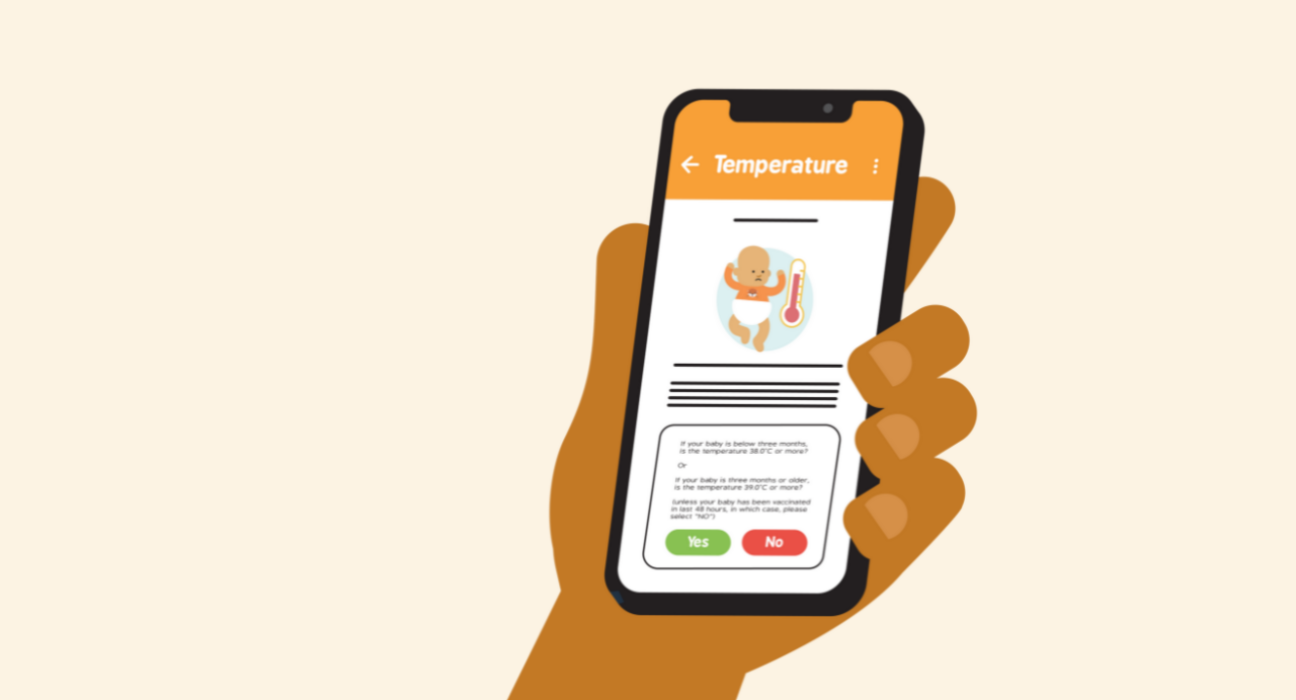
In order to use the app, you must first read and agree to the app’s terms of use.
After agreeing to the terms of use, you will be directed to an introduction page. This explains the purpose of the app and advises users to seek support of a health care professional if they are still worried about their baby after using the app.
Click “Begin”.
You will then be directed to a page that highlights some serious symptoms that require immediate action. If any of these apply to your baby, click “Yes” and you will be prompted to call 999. If you click “No” you will be directed to the main Baby Check start page.
From here you can “Start the Check” or click the additional buttons to find out “How to use” the app, “When to use” the app or to find out “How it works”.
To start, click “Start the Check”. You will then be taken through 17 signs and symptoms. Read each one and select the most appropriate answer.
At any time, you can return to the previous screen by selecting the back arrow in the top left hand corner. You can also click on the three dots in the top right hand corner and “Restart” the test, go to your “Scores” to see previous scores, go back to the “Disclaimer”, read the “Acknowledgement”, “Donate” to The Lullaby Trust, adjust “Font settings” or “Cancel” the test.

The Baby Check app is intended to support you in the early identification of potential illness in infants aged 0 to 6 months. The colour of each option you choose during the test is based on level of risk: red, amber or green indicating the level of concern and recommended action. The app is designed to support you to make decisions about your baby’s care and encourage you to seek timely medical consultation where appropriate. It does not provide a clinical diagnosis and is not intended to replace the judgment of a qualified healthcare professional or emergency medical services.
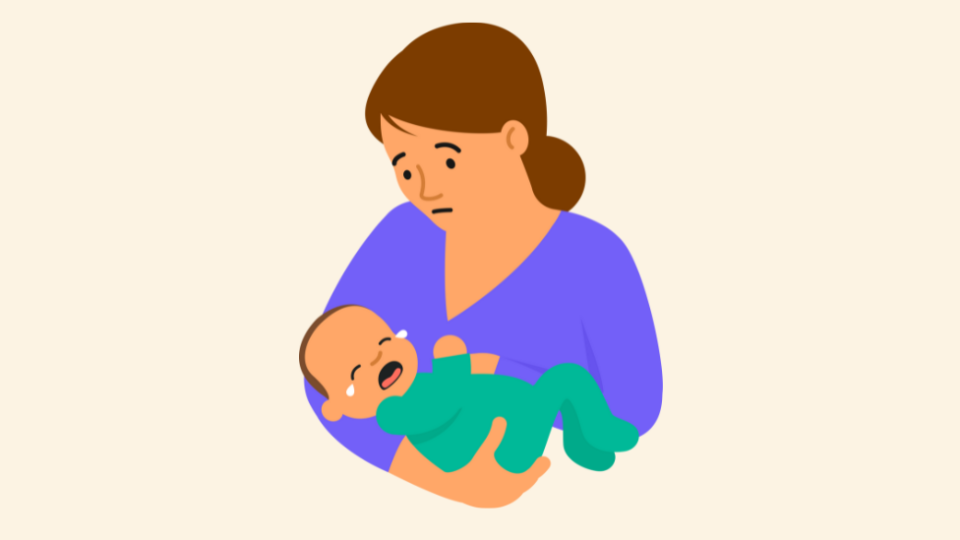
When you have completed the test you will be shown your score of how many red, amber or green results you selected. Each different combination you select will give a specific direction to either continue monitoring your baby, to contact your GP or NHS 111 or to seek urgent help by visiting an Emergency Department or calling 999. You will be able to review your answers by clicking the “Your answers” tab at the top of the screen. You can repeat the test to monitor your baby’s symptoms.
Many parents tell us they worry about being a nuisance or wasting NHS time. But you are never a nuisance when it comes to your baby’s health.

Babies are more vulnerable to infections than older children, especially in their first few weeks. Here you will find the signs and symptoms to look out for that your baby might be unwell.